DeckPilot
LiveStream Deck Controller for OBS — turn your phone or tablet into a powerful control surface for OBS Studio.
DeckPilot gives streamers a fast, touch-friendly interface to control scenes, audio, macros, and stream actions without touching the OBS computer. Designed for creators, churches, production teams, and livestream operators.
See it in action
DeckPilot running on Android — scene control, audio mixing, stream monitoring, and more.
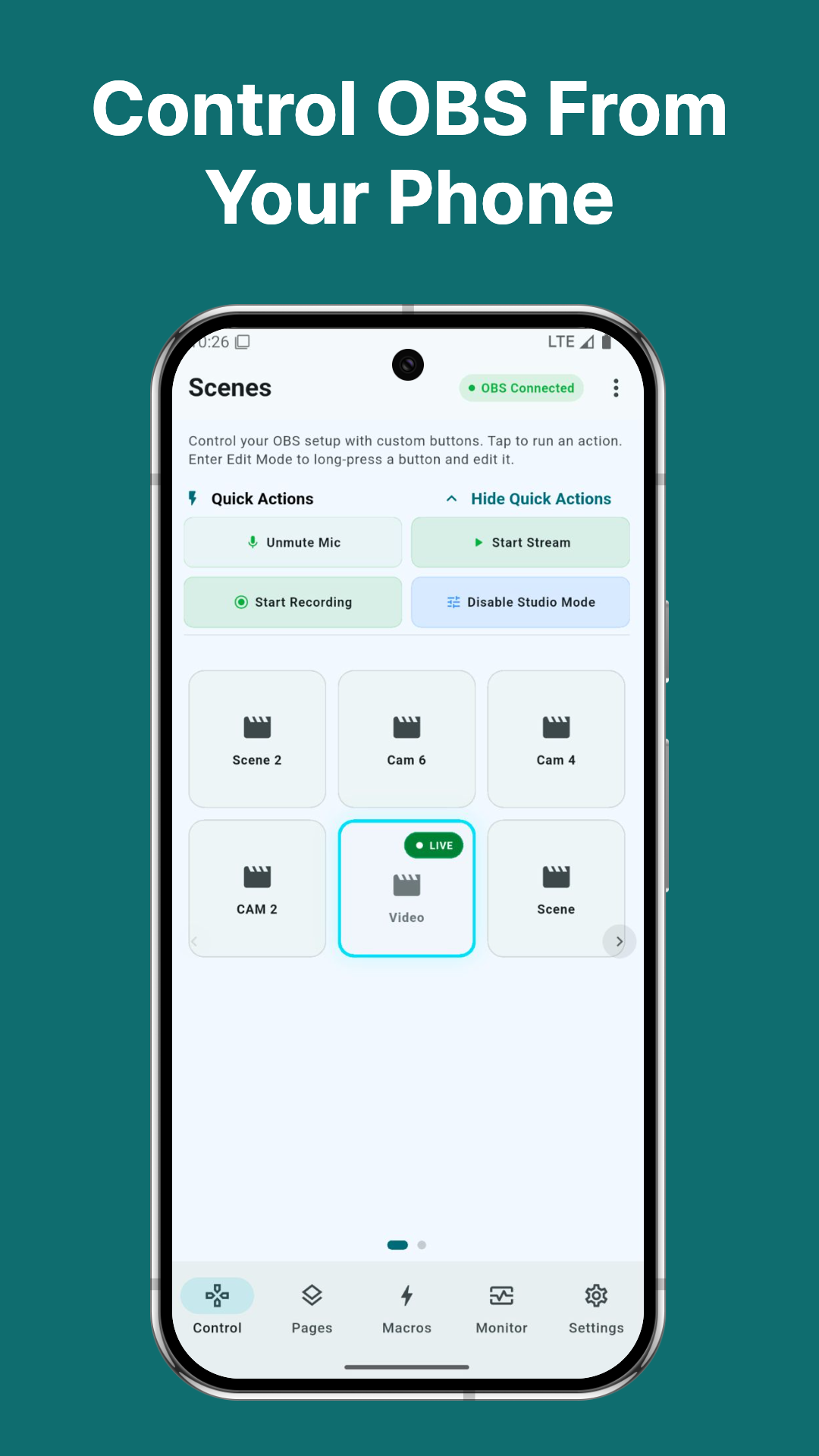
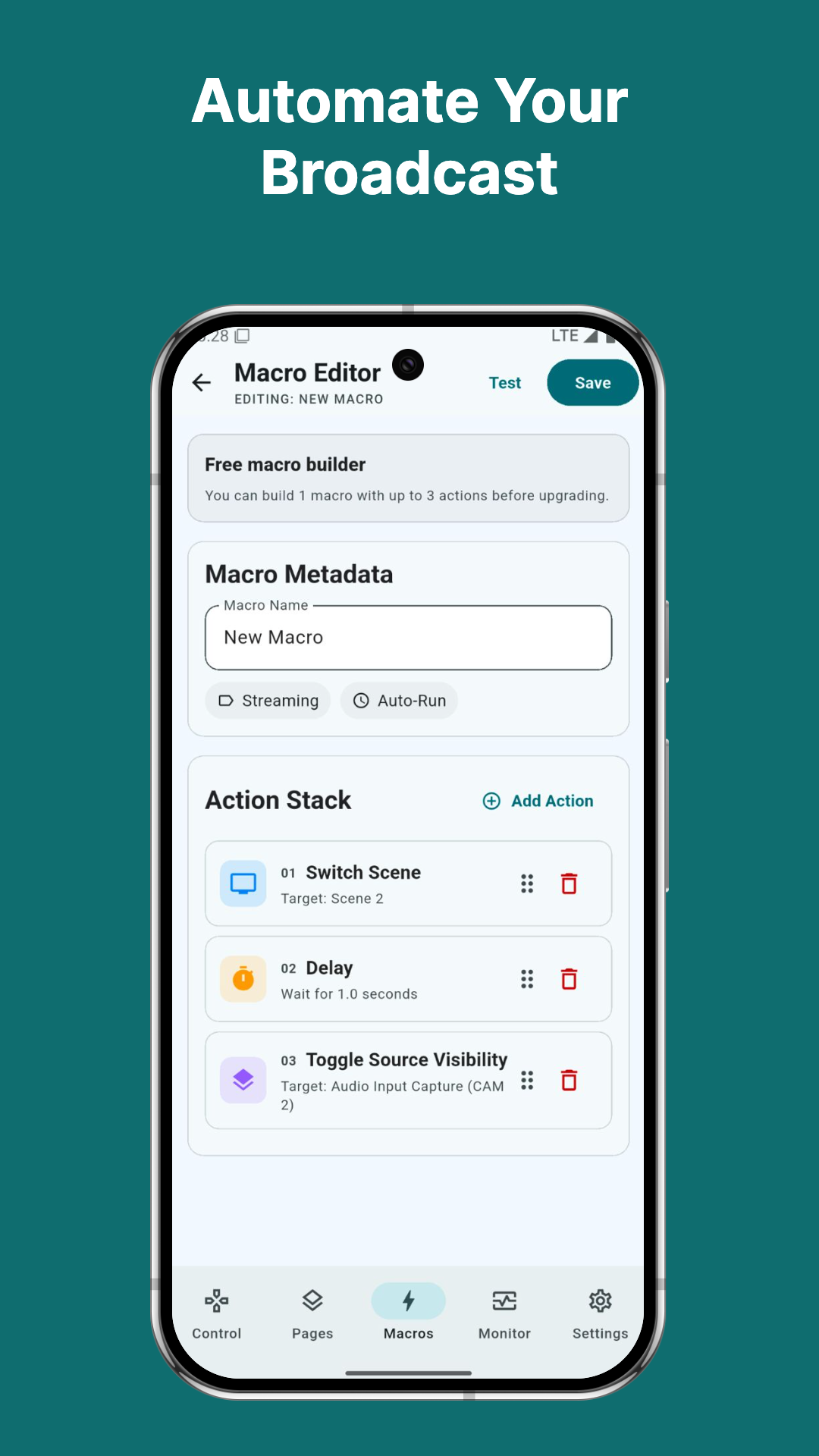
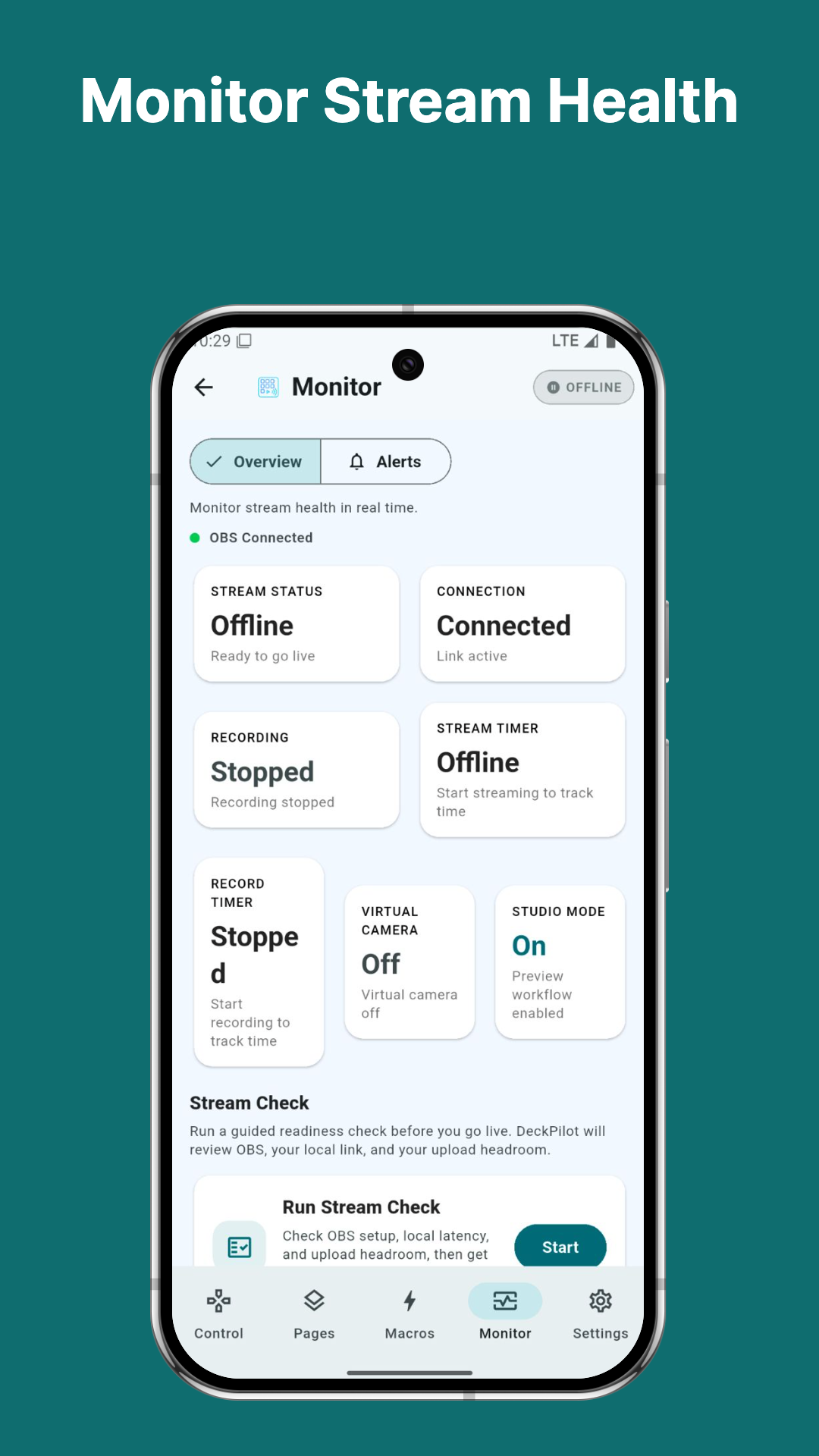
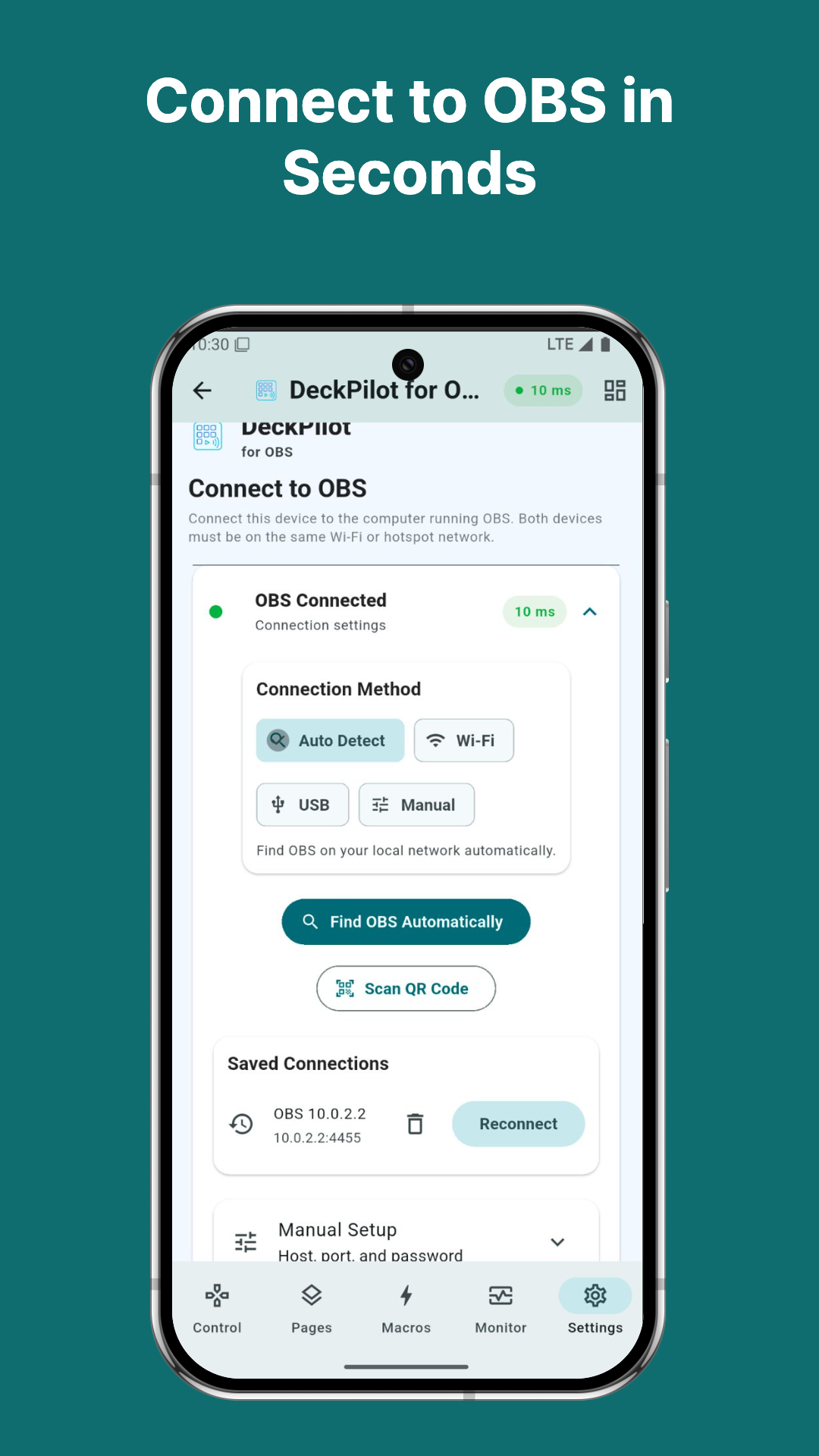
Actual app screenshots. UI may vary between versions.
What it does
Scene Switching
Instantly switch between OBS scenes with a single tap. Large touch buttons make it easy to control transitions during a live stream.
Audio Control
Mute and unmute microphones, adjust audio sources, and manage the OBS mixer directly from your device.
Macros
Trigger multiple OBS actions with a single button. Example: switch to intro scene → wait 3 seconds → start stream → unmute microphone.
Quick Controls
Start streaming, stop streaming, start recording, mute microphone, and enable studio mode without leaving the controller interface.
Stream Health Monitoring
Monitor dropped frames, bitrate stability, CPU usage, stream status, and recording status. DeckPilot warns you if something goes wrong while you're live.
Secure Local Connection
DeckPilot connects directly to OBS using OBS WebSocket. No cloud relay, no accounts required, no external servers involved. All communication stays on your local network.
Multi-Device Support
Use multiple devices simultaneously. Example: phone for scene switching, tablet for monitoring, another device for macros.
Built for creators who need reliable OBS control
DeckPilot is designed for creators who want simple and reliable OBS control during live broadcasts.
- check_circleLivestream creators who want simple and reliable OBS control
- check_circleTwitch and YouTube streamers
- check_circleChurch production teams
- check_circlePodcast studios using OBS
- check_circleSmall event production setups
- check_circleCreators using tablets as control panels
Getting started takes less than a minute
No plugins to install, no accounts to create. Connect and start controlling OBS right away.
Install DeckPilot
Download DeckPilot from the Google Play Store.
Enable WebSocket in OBS
Open OBS → Tools → WebSocket Server Settings → Enable WebSocket Server.
Connect your device
Enter your OBS computer's IP address and WebSocket port, or scan the QR code shown in the OBS connection panel to connect instantly.
Start controlling OBS
Your scenes and controls will appear instantly in the app. Start switching.
Common questions
Does DeckPilot require a subscription?expand_more
No. DeckPilot is a one-time purchase with optional premium features.
Does it require an OBS plugin?expand_more
No. DeckPilot connects using the built-in OBS WebSocket system.
Does it work over the internet?expand_more
Currently DeckPilot works on the same Wi-Fi network or hotspot as the OBS computer. Internet remote control may be added in the future.
Which OBS versions are supported?expand_more
OBS Studio 28 and later.
Which platforms are supported?expand_more
Android devices running Android 8 or later.
Privacy for DeckPilot
DeckPilot is designed with your privacy in mind. Here's what you should know:
No accounts required. DeckPilot does not require you to create a user account to use the app.
Local connections only. OBS connections happen directly between your device and OBS on your local network.
Stored locally. Connection details (IP address, port, password) are stored only on your device.
No data sent to our servers. No stream data is sent to Creator Studios Labs servers.
Ready to try DeckPilot?
Use your phone or tablet as a powerful OBS control surface. Download DeckPilot on Google Play or contact us to learn more.