
How to Manage OBS Plugins
Learn how to manage OBS plugins over time, including installed plugin tracking, updates, compatibility checks, and cleanup tasks.
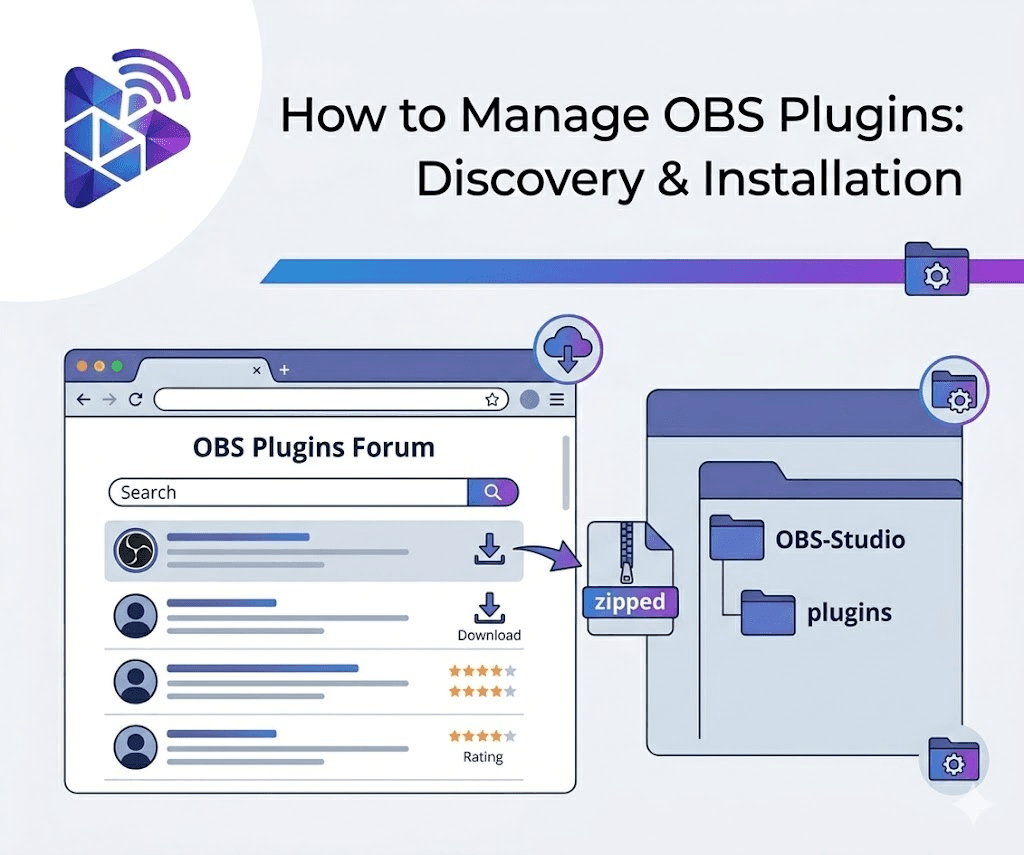
Why Plugin Management Matters
Installing one plugin is easy enough. Learning how to manage OBS plugins across updates, folder changes, and production machines is where OBS setups usually become harder to maintain.
What Good OBS Plugin Management Includes
- Knowing which plugins are installed
- Tracking available updates
- Checking compatibility before applying changes
- Cleaning up broken or outdated plugin files
- Keeping notes about tools that still require manual setup
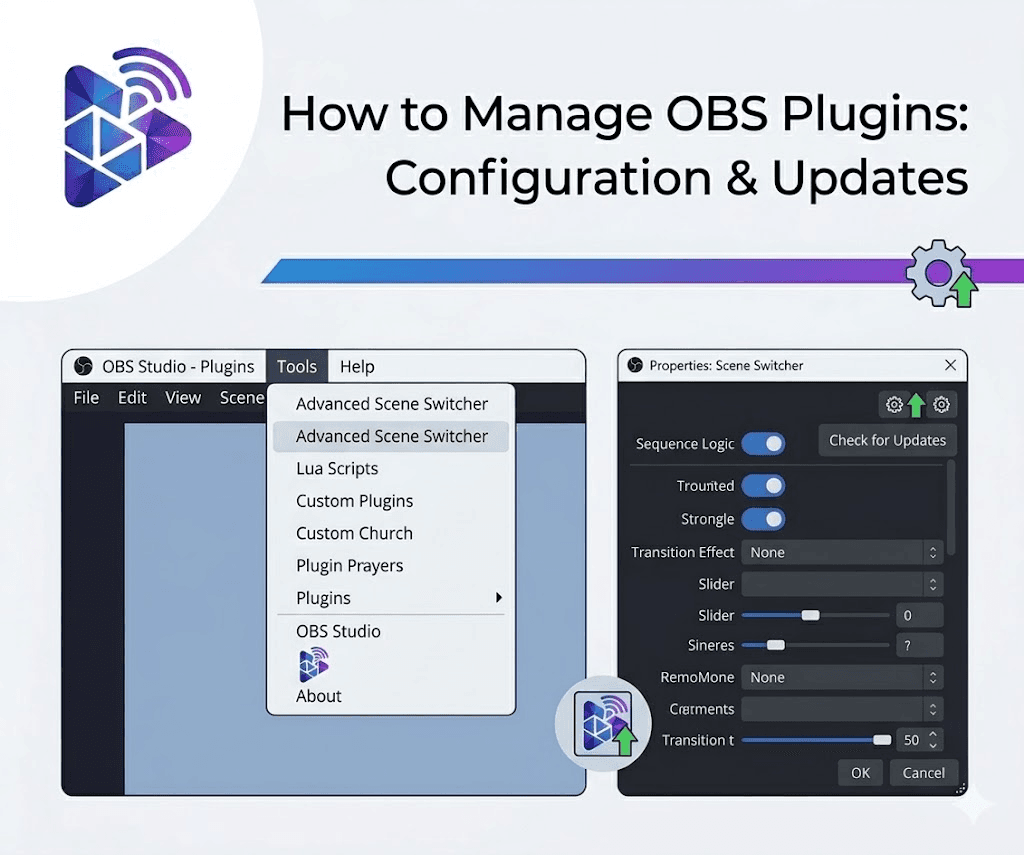
Why Manual OBS Plugin Management Breaks Down
When plugin information is spread across browser tabs, archive files, and nested folders, users lose a clear view of what is current and what may break after the next OBS update.
That is why a purpose-built tool such as OBS Plugin Installer helps. It keeps the catalog, installed state, update status, and compatibility details closer together.
A Practical OBS Plugin Maintenance Routine
Before any major broadcast or OBS update, review installed plugins, check compatibility, and confirm whether there are pending updates or unresolved setup notes. That routine helps keep OBS systems more stable over time. For a focused update playbook, go to how to update OBS plugins safely, and for cleanup tasks follow how to uninstall OBS plugins cleanly.
Related Resources
Explore more pages about OBS control, mobile production workflows, and livestream operations.
OBS Plugin Installer product page
See the product built for plugin discovery, updates, and maintenance.
Read pageHow to update OBS plugins safely
Use a calmer workflow for plugin updates on systems that need to stay stable.
Read pageHow to uninstall OBS plugins cleanly
Clean up older plugins without leaving partial files behind.
Read pageManage OBS Plugins from One Place
OBS Plugin Installer helps users track installed plugins, spot updates, and keep OBS systems easier to maintain.