
How to Uninstall OBS Plugins Cleanly
A practical guide to uninstalling OBS plugins cleanly so users can remove older plugins without leaving broken files or confusing leftovers behind.
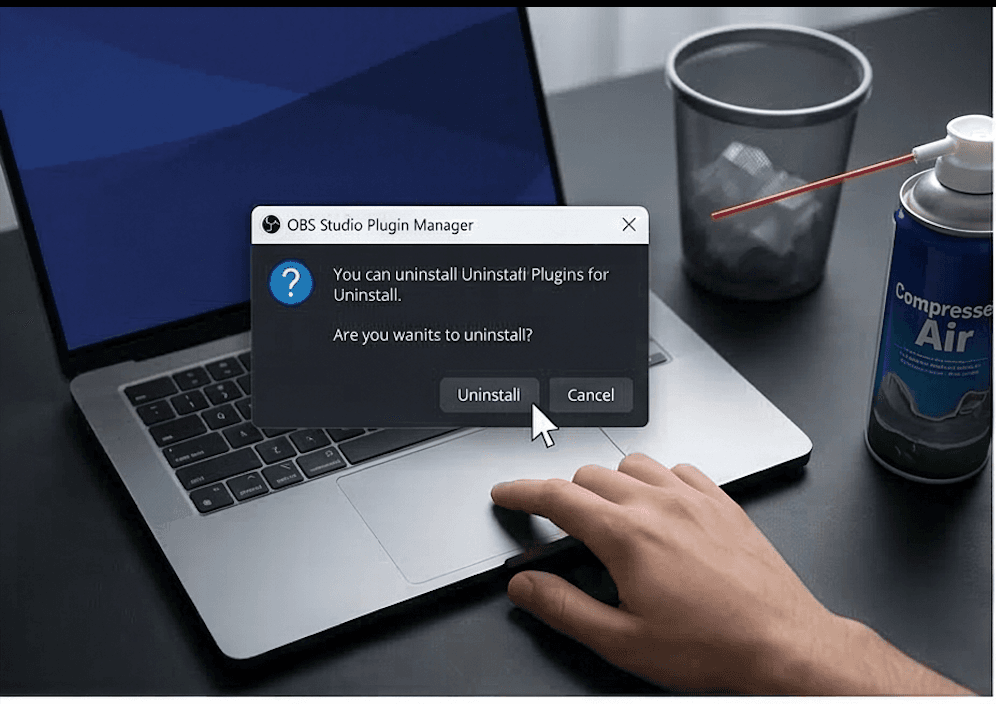
Why OBS Plugin Uninstall Can Be Messy
Uninstall problems happen because files may remain in folders, older versions may still be present, or users remove only part of a plugin. That can leave OBS loading leftovers even when the main feature seems gone.
What to Check Before Removing an OBS Plugin
- Identify the plugin being removed
- Confirm whether scenes, sources, or workflows depend on it
- Make sure OBS is closed fully before changing files
- Verify the correct file location so you do not delete the wrong plugin
- Avoid uninstalling unfamiliar plugins right before a live service unless it is absolutely necessary
A Clean OBS Plugin Removal Workflow
- 1Identify exactly which plugin is being removed.
- 2Confirm whether any scenes, sources, or macros still rely on it.
- 3Close OBS fully.
- 4Remove the correct files from the correct location.
- 5Relaunch OBS and test the system.
How to Confirm OBS Is No Longer Loading the Plugin
- The plugin no longer appears in menus or tools where it used to load
- Scenes and sources no longer reference the removed feature
- OBS starts without the old plugin warnings or prompts tied to that plugin
- The system behaves as expected after restart and testing
When to Reinstall Instead of Remove
Sometimes the better path is a clean reinstall, not partial deletion. If the real problem is a broken update or a mixed file set, removing a few files by guesswork can make the situation harder to diagnose.
When users want a clearer record of plugin state, install history, and maintenance details, OBS Plugin Installer provides a more organized maintenance workflow than manually hunting through plugin folders every time. If you decide to reinstall, go next to how to install OBS plugins.
Related Resources
Explore more pages about OBS control, mobile production workflows, and livestream operations.
How to manage OBS plugins
Keep track of plugin state, cleanup tasks, and update planning across the whole OBS system.
Read pageHow to install OBS plugins
Go back to the install workflow if the better answer is a clean reinstall.
Read pageHow to troubleshoot OBS plugin installation errors
Use the troubleshooting guide if the plugin removal question is really a broken install problem.
Read pageWant Clearer Plugin Maintenance Over Time?
OBS Plugin Installer helps users keep track of plugin state, installs, and maintenance more clearly over time.