
What to Do When an OBS Plugin Stops Working After an Update
A practical recovery guide for OBS users who updated OBS or a plugin and now need to stabilize a broken plugin workflow.
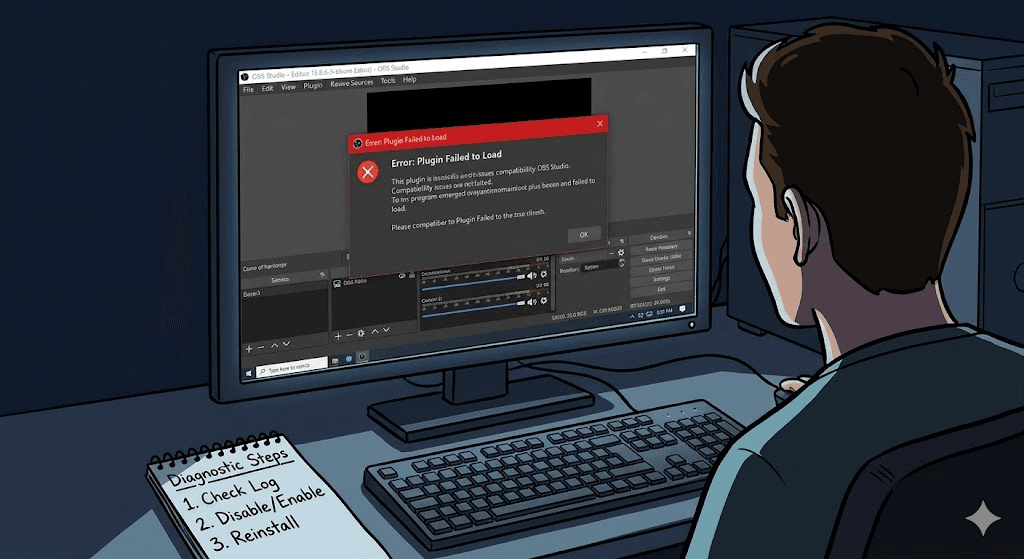
Why an OBS Plugin Stops Working After an Update
Plugins often break after updates because OBS changed, the plugin build is outdated, dependencies changed, or files were only partially replaced during the update.
That does not always mean the plugin is gone forever. It usually means the environment changed and now needs to be checked calmly.
First Response: Do Not Keep Changing Everything
- Stop changing multiple things at once
- Document what changed before the issue started
- Isolate whether the problem began after an OBS update, a plugin update, or both
- Avoid experimenting right before a live event if the system still needs to stay usable
A calm response usually fixes problems faster than stacking more updates, reinstalls, and folder edits on top of each other.
How to Identify Why the OBS Plugin Stopped Working
- 1Confirm which update happened first: OBS, the plugin, or both.
- 2Check whether the current plugin build still supports the installed OBS version.
- 3Look for old files that may have remained after a partial replacement.
- 4Test whether disabling or removing the broken plugin temporarily returns OBS to a stable state.
Roll Back, Wait, or Replace the OBS Plugin?
The right next step depends on the role of the plugin. If the plugin is optional, disable or remove it temporarily so the rest of the OBS workflow can stay stable. If the plugin is essential, check compatibility and use a previous known-good setup if one is available.
In some cases the best move is to wait for a compatible build rather than forcing an unstable workaround onto a production machine.
A Better Maintenance Workflow for Future OBS Plugin Updates
Future update problems are easier to prevent when teams track plugin versions, review compatibility before changing anything, and test in a safe window instead of minutes before a live service.
OBS Plugin Installer helps with that by keeping compatibility, install notes, and plugin maintenance details easier to review before changes are made. You can also review the broader OBS plugin compatibility guide before the next update window.
Related Resources
Explore more pages about OBS control, mobile production workflows, and livestream operations.
How to update OBS plugins safely
Use a calmer update workflow before touching another plugin or OBS version.
Read pageOBS plugin compatibility
Check the version and build mismatches that often cause post-update failures.
Read pageHow to manage OBS plugins
See the broader maintenance workflow for keeping plugin-heavy systems stable.
Read pageWant a Better Maintenance Workflow Before the Next Update?
OBS Plugin Installer is designed to make compatibility and maintenance easier to track before plugin changes are made.