Stream Deck Alternative for OBS Studio
DeckPilot turns your phone or tablet into a touch-based control surface for OBS Studio, giving creators, churches, and production teams a flexible alternative to dedicated hardware controllers.
What Makes DeckPilot a Stream Deck Alternative?
DeckPilot offers many of the same day-to-day capabilities as hardware stream controllers while using a touch interface on your mobile device. It is a practical Stream Deck alternative for OBS users who want flexibility without dedicated hardware.
- Scene switching
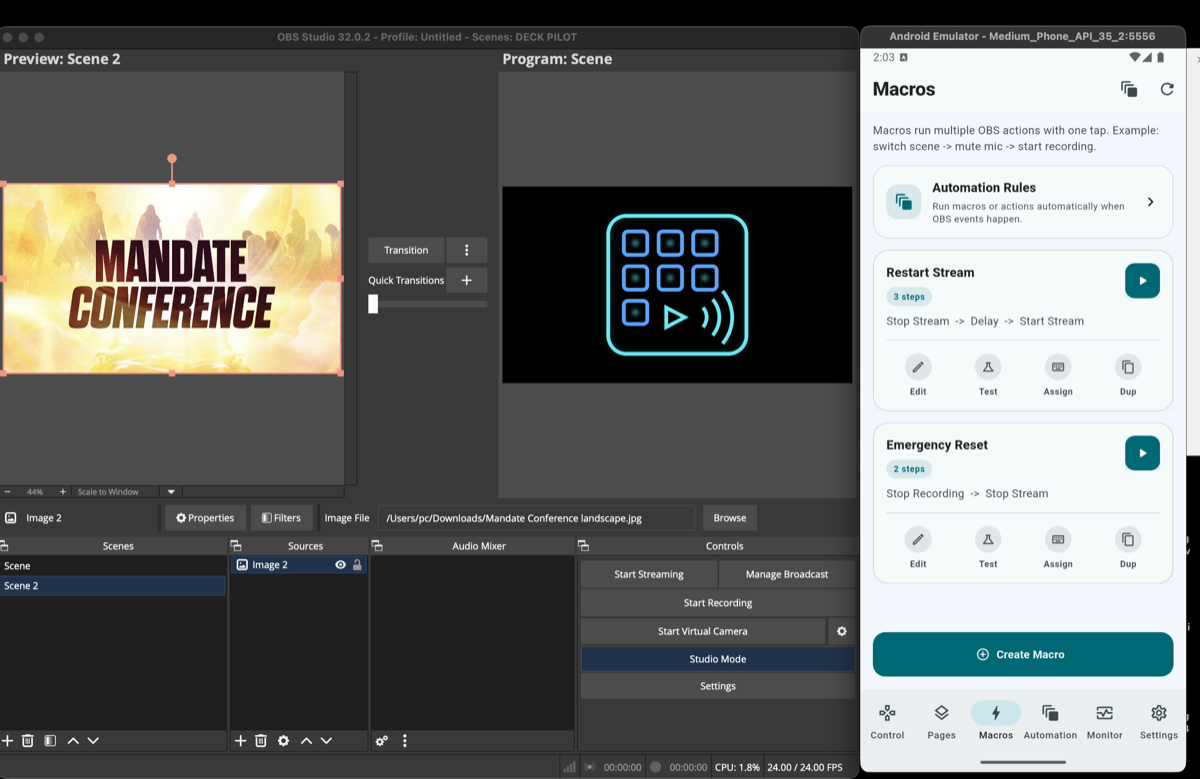
- OBS macro automation
- Audio mixer control
- Stream start and stop actions
- Recording controls
- Studio mode toggling
- Stream health monitoring
Why Teams Look for a Stream Deck Alternative
Hardware controllers are useful, but they are not always the best fit for every production environment.
Hardware cost
Adding dedicated hardware can be expensive, especially when multiple operators need access to control surfaces.
Limited layout flexibility
Phone and tablet interfaces can adapt to different workflows much more easily than fixed button grids.
Mobile control
Some operators need to control OBS from the stage, the sanctuary, or across the room instead of sitting at the computer.
Multi-device workflows
Many teams prefer a mix of phones, tablets, and monitoring screens instead of a single hardware panel.
Why Phones and Tablets Work Well for OBS
DeckPilot works as a mobile stream deck for OBS because touch-based layouts are easy to rearrange, easy to scale, and easy to carry.
That is especially useful for creators who want to control OBS from a phone, or for teams that want a tablet-based control surface with larger buttons and more room for scene labels, macros, and audio controls.
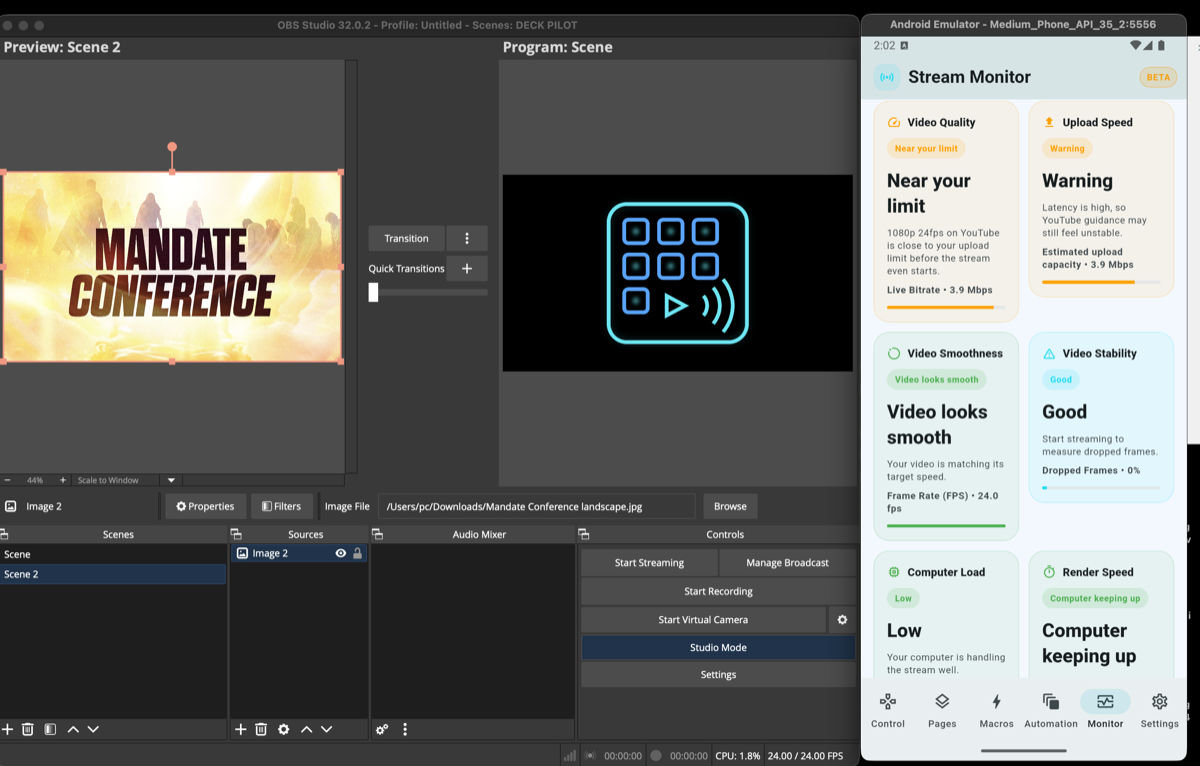
Stream Deck vs DeckPilot
| Feature | Stream Deck Hardware | DeckPilot |
|---|---|---|
| Physical buttons | Yes | Touch interface |
| Requires hardware | Yes | No |
| Mobile control | No | Yes |
| Multi-device support | Limited | Yes |
| OBS scene switching | Yes | Yes |
| OBS macros | Yes | Yes |
| Audio control | Yes | Yes |
How DeckPilot Works
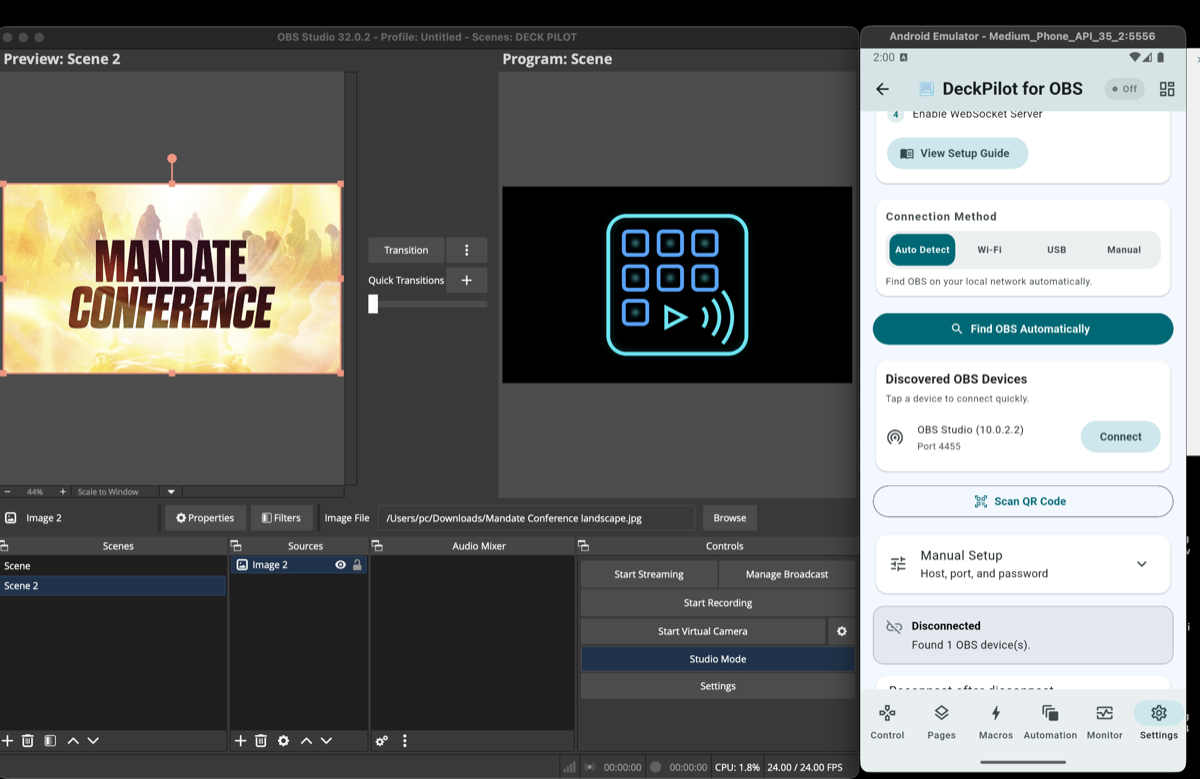
DeckPilot connects directly to OBS using the built-in OBS WebSocket server. Setup is short:
- 1Install DeckPilot on your phone or tablet.
- 2Enable WebSocket in OBS Studio.
- 3Connect over your local network.
- 4Start switching scenes, controlling audio, and running macros.
If you need a more educational walkthrough, see how to control OBS remotely.
Related Resources
Explore more pages about OBS control, mobile production workflows, and livestream operations.
DeckPilot product page
See the full DeckPilot product overview, setup steps, FAQ, and download details.
Read pageOBS controller page
Learn more about using DeckPilot as a mobile OBS controller.
Read pageBest OBS tools for streamers
Read the broader guide covering controllers, monitoring, and production tooling for OBS.
Read pageUse DeckPilot Instead of Extra Hardware
Get a touch-based OBS controller on the phone or tablet you already own and keep your workflow portable.